Showing posts with label developer-tools. Show all posts

Monday, April 6, 2026

AI Coding Tools in 2026: Cursor, Copilot, Claude Code Compared

AI Coding Tools in 2026: Cursor, Copilot, Claude Code Compared Hero

AI Coding Tools in 2026: Cursor, Copilot, Claude Code Compared

If you write code in 2026 and you're not using an AI coding assistant, you're leaving hours on the table every week. The question isn't whether to use one — it's which one fits how you work.

The three tools that dominate right now are GitHub Copilot, Cursor, and Claude Code. They look similar on the surface — all three suggest code, answer questions, and help you build faster. But underneath, they have fundamentally different philosophies about what AI-assisted coding should be.

This guide breaks down what each tool does, how they differ, and which one you should pick based on your workflow.

graph TB
  A[Developer] --> B[Code Editor / IDE]
  B --> C[AI Assistant]
  C --> D[GitHub Copilot]
  C --> E[Cursor]
  C --> F[Claude Code]
  D --> G[Code Completion]
  D --> H[Bug Detection]
  E --> I[Refactoring]
  F --> J[Test Generation]
  G --> K[Better Code]
  H --> K
  I --> K
  J --> K

GitHub Copilot: The Autocomplete Pioneer

GitHub Copilot was the first mainstream AI coding assistant, and it still has the largest user base. It lives inside your existing editor (VS Code, JetBrains, Neovim) as a plugin that suggests code as you type.

What It Does Well

  • Inline completions: Start typing and Copilot finishes your thought, often with entire functions
  • Chat sidebar: Ask questions about your code without leaving your editor
  • Copilot Workspace: Plan and implement changes across multiple files from a GitHub issue
  • Massive training data: Built on OpenAI models trained on billions of lines of code

Where It Falls Short

  • Suggestions are sometimes generic or outdated
  • Limited awareness of your full project context in the free tier
  • The inline completion model can be distracting when you're thinking
  • Multi-file edits still require manual coordination in most workflows

Best For

Developers who want AI assistance without changing their editor setup. If you already use VS Code or JetBrains and want a productivity boost with minimal friction, Copilot is the safe choice.

Pricing

  • Free tier: Limited completions and chat
  • Individual: $10/month
  • Business: $19/month
  • Enterprise: $39/month

Cursor: The AI-Native Editor
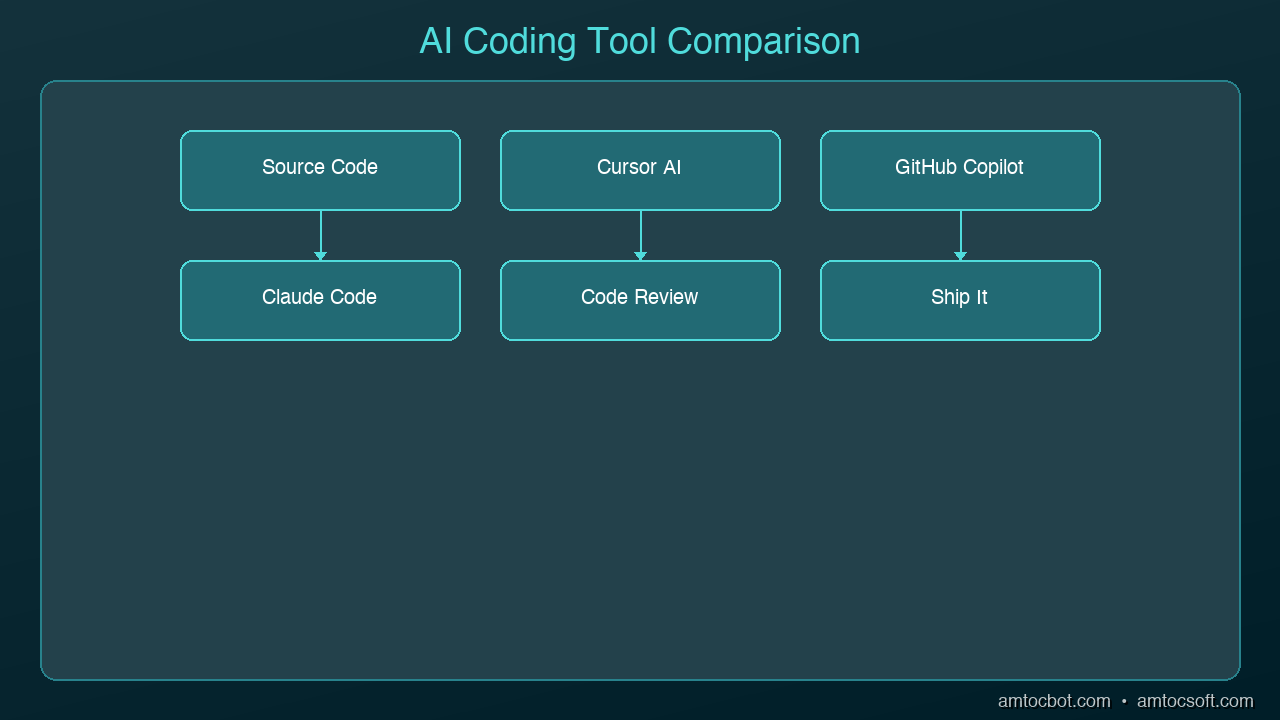
Architecture Diagram

Cursor took a different approach: instead of adding AI to an existing editor, they built an editor around AI. It's a fork of VS Code, so it feels familiar, but AI is woven into every interaction.

What It Does Well

  • Codebase awareness: Cursor indexes your entire project and uses it as context for every suggestion
  • Cmd+K inline editing: Select code, describe what you want changed, and Cursor rewrites it in place
  • Multi-file edits: Describe a change and Cursor modifies multiple files simultaneously
  • Composer mode: Describe a feature in natural language and Cursor generates the implementation across your project
  • Tab completion: Predicts your next edit based on recent changes, not just the current line

Where It Falls Short

  • You have to switch editors (it's its own app, not a plugin)
  • Can be aggressive with suggestions, especially in Composer mode
  • Premium features require a paid plan
  • Some developers find it "too magical" — hard to predict what it will do

Best For

Developers who want the most integrated AI coding experience and don't mind using a dedicated editor. If you frequently work across multiple files and want AI that understands your whole project, Cursor is the most capable option.

Pricing

  • Free tier: Limited AI features
  • Pro: $20/month
  • Business: $40/month

Claude Code: The Terminal Agent

Claude Code is the newest of the three and takes yet another approach: it runs in your terminal as an autonomous coding agent. You describe what you want in natural language, and Claude Code reads your codebase, makes changes, runs tests, and iterates until the task is done.

What It Does Well

  • Autonomous execution: Describe a task and it handles the implementation end-to-end
  • Full codebase understanding: Reads your entire project, understands architecture, follows conventions
  • Terminal-native: Works alongside your existing tools — git, npm, pytest, whatever you use
  • Multi-step reasoning: Can plan a complex change, implement it across files, run tests, and fix failures
  • No editor lock-in: Use whatever editor you prefer; Claude Code works in the terminal

Where It Falls Short

  • No inline autocomplete (it's not an editor plugin)
  • Requires comfort with terminal workflows
  • Can be slow for simple one-line changes where autocomplete would be faster
  • Usage-based pricing can add up on large projects

Best For

Developers who think in terms of tasks rather than keystrokes. If you'd rather say "add authentication to this API" than manually write the code yourself, Claude Code is the most powerful option. Especially strong for experienced developers who can review and guide its output.

Pricing

  • Included with Claude Max subscription ($100/month for heavy usage)
  • Pay-per-use via API

Head-to-Head Comparison

Feature Copilot Cursor Claude Code
Type Editor plugin AI-native editor Terminal agent
Autocomplete Excellent Excellent None
Chat Good Good Excellent
Multi-file edits Limited Strong Excellent
Codebase awareness Moderate Strong Excellent
Autonomous tasks No Partial (Composer) Yes
Editor flexibility Any editor Cursor only Any editor
Learning curve Low Medium Medium
Starting price $10/mo $20/mo $100/mo (Max)

Which Should You Choose?

Choose Copilot if:
- You want the lowest friction entry point
- You're happy with your current editor
- Autocomplete is your primary use case
- Budget is a concern ($10/mo is the cheapest option)

Choose Cursor if:
- You want the deepest AI integration in an editor
- You frequently make changes across multiple files
- You're willing to switch to a dedicated editor
- You want Composer for feature-level generation

Choose Claude Code if:
- You prefer describing tasks over writing code manually
- You work on complex, multi-step changes regularly
- You're comfortable reviewing AI-generated code
- You want an autonomous agent that runs tests and iterates

Use multiple tools:
Many developers combine tools — Copilot or Cursor for day-to-day editing with autocomplete, and Claude Code for larger tasks like refactoring, adding features, or debugging complex issues. The tools aren't mutually exclusive.

The Bigger Picture

The AI coding landscape is moving fast. In 2024, these tools mostly did autocomplete. In 2025, they added chat and multi-file editing. In 2026, we're seeing autonomous agents that can handle entire features.

The trend is clear: AI is moving from suggesting code to writing code to building features. Pick the tool that matches where you are today, but expect to level up your usage every few months as these tools keep improving.

Sources & References:
1. Cursor — "AI Code Editor" — https://cursor.sh/
2. GitHub — "Copilot Documentation" — https://docs.github.com/en/copilot
3. Anthropic — "Claude Code" — https://docs.anthropic.com/en/docs/claude-code


Part of the AI Coding Tools series on AmtocSoft. Follow us on LinkedIn and X for daily AI engineering insights.

About the Author

Toc Am

Founder of AmtocSoft. Writing practical deep-dives on AI engineering, cloud architecture, and developer tooling. Previously built backend systems at scale. Reviews every post published under this byline.

LinkedIn X / Twitter

Published: 2026-04-02 · Written with AI assistance, reviewed by Toc Am.

Get These In Your Inbox

Weekly deep-dives on AI engineering, no fluff. Join the newsletter →

Subscribe (free)

Or grab the book ($39, ~100 pages) · Buy me a coffee

Buy Me a Coffee · 🔔 YouTube · 💼 LinkedIn · 🐦 X/Twitter

Thursday, April 2, 2026

How to Use AI Coding Assistants Without Losing Code Quality

How to Use AI Coding Assistants Without Losing Code Quality Hero

How to Use AI Coding Assistants Without Losing Code Quality

AI coding assistants make you faster. They also make it easier to ship bad code. Studies show AI-generated code introduces 1.7x more issues than human-written code — more bugs, more security vulnerabilities, more maintainability problems. And the uncomfortable part: experienced developers who thought AI made them 20% faster were actually measured at 19% slower when they stopped reviewing carefully.

The tools aren't the problem. How we use them is. Here's how to get the productivity gains without the quality regression.

graph LR
  A[Developer Intent] --> B[Context Gathering]
  B --> C[AI Model Processing]
  C --> D[Code Suggestion]
  D --> E[Developer Review]
  E --> F{Accept / Reject / Modify}
  F -->|Accept| G[Codebase Update]
  F -->|Modify| B
  F -->|Reject| A

The Quality Tax You're Paying

Before fixing anything, understand what goes wrong when AI coding goes unchecked:

More code cloning than ever. Teams using AI assistants see 4x more code duplication. Developers are pasting AI suggestions more often than refactoring or reusing existing code. Your codebase grows faster, but the new code doesn't follow your patterns.

Missing context is the real enemy. 65% of developers report that missing context — not hallucinations — is the top cause of bad AI-generated code. The AI doesn't know your team's conventions, your architecture decisions, or the bug you fixed last week that this new code will reintroduce.

Security slips through. AI-generated code has 1.57x more security findings than human-written code. The AI optimizes for "code that works," not "code that's safe." SQL injection, hardcoded secrets, missing input validation — these show up constantly in AI suggestions.

Bug density climbs. Teams without quality guardrails report 35-40% more bugs within six months of adopting AI coding tools. The speed gain evaporates when you're spending more time debugging.

Rule 1: Never Accept Without Reading

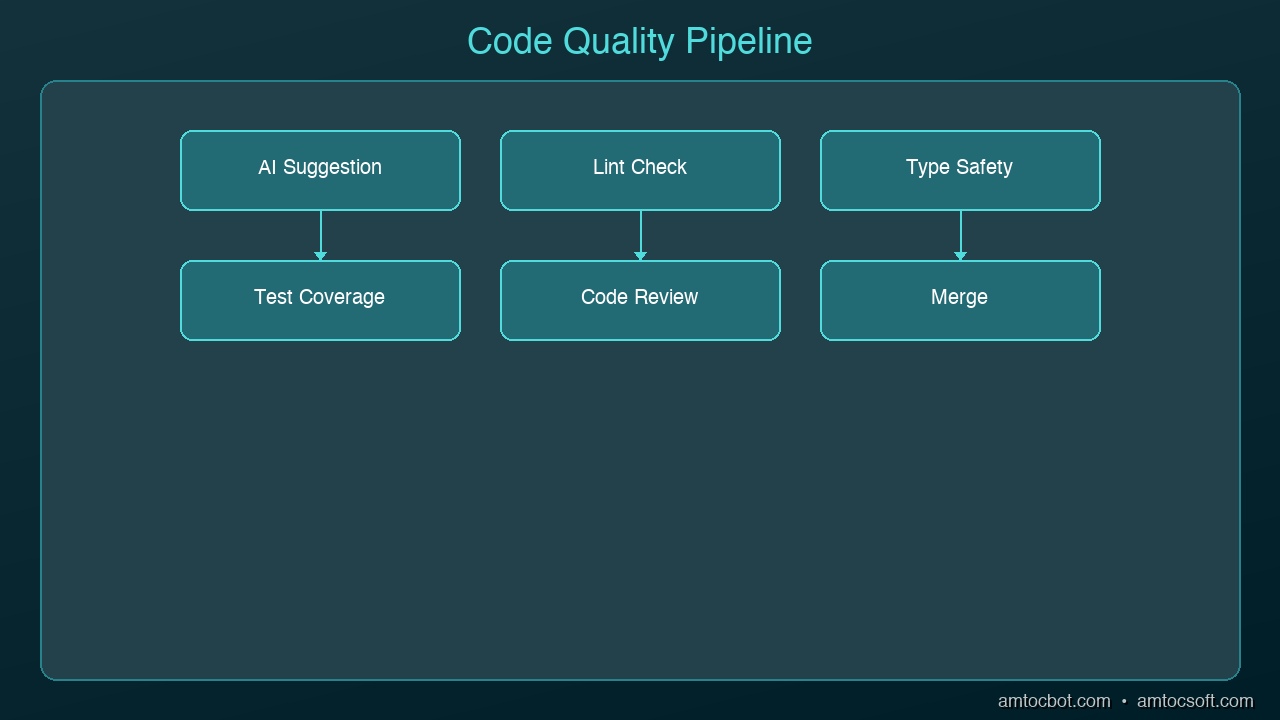
Architecture Diagram

This sounds obvious, yet 29% of developers merge AI-generated code without manual review. Treat every AI suggestion like a pull request from a junior developer who doesn't know your codebase. They're smart and fast, but they don't have context.

# AI generated this -- looks clean, right?
def get_user(user_id):
    query = f"SELECT * FROM users WHERE id = {user_id}"
    return db.execute(query)

# What you should actually ship
def get_user(user_id: int) -> User | None:
    query = "SELECT * FROM users WHERE id = ?"
    result = db.execute(query, (user_id,))
    return User.from_row(result) if result else None

The AI version works. It also has SQL injection, no type safety, and returns raw database rows instead of domain objects. Reading the code before accepting it catches all three.

Rule 2: Give the AI Your Context

The biggest quality improvement comes from giving the AI more context about your project. Most quality issues stem from the AI not knowing your conventions.

Use project-level instructions. Cursor has .cursorrules, Claude Code has CLAUDE.md, Copilot has .github/copilot-instructions.md. Put your standards in these files:

# CLAUDE.md (or equivalent)
- Use parameterized queries for all database access
- All public functions need type annotations
- Error handling: use Result types, not exceptions
- Auth: always check permissions before data access
- Tests: write integration tests, not mocks

Reference existing code. When asking AI to write a new endpoint, point it at an existing one: "Write a DELETE endpoint for /users/{id} following the same pattern as the GET endpoint in routes/users.py." This dramatically reduces style drift.

Include the why. Instead of "add caching to this function," say "add caching to this function because it's called 500 times per request and the database query takes 200ms." The AI makes better architectural choices when it understands the constraint.

Rule 3: Use AI for Tests, Not Just Code

Most developers use AI to write production code. Fewer use it to test that code. Flip the ratio.

Test-first generation. Write your test first (or have the AI write it), then generate the implementation:

# Step 1: Define the behavior you want
def test_transfer_fails_on_insufficient_funds():
    account = Account(balance=100)
    with pytest.raises(InsufficientFundsError):
        account.transfer(amount=150, to=other_account)

# Step 2: Ask AI to implement the function that makes this pass

When the AI writes code to pass a specific test, the output is constrained by the test's expectations. You get code that meets your requirements, not code that meets the AI's assumptions.

Generate edge case tests. AI is surprisingly good at thinking of edge cases you'd miss. Ask it: "What edge cases should I test for this transfer function?" You'll get null inputs, concurrent access, negative amounts, and boundary conditions you hadn't considered.

Rule 4: Review Diffs, Not Files

When AI modifies existing code, review the diff — not the entire file. AI tools sometimes make "helpful" changes you didn't ask for: renaming variables, reorganizing imports, adding comments, or subtly changing logic that was correct.

# After AI makes changes, always check exactly what changed
git diff

# Or in your editor, use the inline diff view
# Cursor: built-in diff preview
# Claude Code: shows diffs before applying

If the AI changed more than you asked for, reject the extra changes. Scope creep in AI suggestions is one of the biggest sources of subtle bugs.

Rule 5: Establish a Quality Checkpoint

Build a 30-second quality check into your workflow before committing any AI-generated code:

  1. Does it follow project conventions? Check naming, patterns, error handling
  2. Is the logic correct? Walk through the core path and one edge case mentally
  3. Are there security issues? Look for raw SQL, hardcoded values, missing auth checks
  4. Does it duplicate existing code? Search for similar functions before accepting
  5. Do the tests pass? Run the relevant test suite — not just "does it compile"

This checklist catches the majority of AI-generated quality issues and takes less time than debugging them later.

Rule 6: Know When NOT to Use AI

AI coding assistants excel at boilerplate, tests, data transformations, and well-defined patterns. They struggle with:

  • Novel architecture decisions — the AI will give you a plausible answer that may not fit your system
  • Performance-critical code — AI rarely optimizes for your specific bottleneck
  • Security-sensitive logic — authentication, authorization, encryption, token handling
  • Complex state machines — AI loses track of state transitions across multiple conditions

For these cases, write the code yourself and use AI to review it rather than generate it.

The Workflow That Works

Here's a daily workflow that balances speed and quality:

  1. Morning: Let AI scaffold new features and write boilerplate
  2. Midday: Review all AI-generated code with the 30-second checklist
  3. Afternoon: Use AI for tests and edge case discovery
  4. Before commit: Run full test suite, review diffs, check for duplication

The developers who get the most from AI coding tools aren't the ones who accept every suggestion. They're the ones who've learned which suggestions to accept, which to modify, and which to throw away entirely. The AI writes the first draft. You're still the editor.

Sources & References:
1. GitClear — "AI-Generated Code Quality Report" (2024) — https://www.gitclear.com/coding_on_copilot_data_shows_ais_downward_pressure_on_code_quality
2. GitHub — "Research: Quantifying GitHub Copilot's Impact on Developer Productivity" (2022) — https://github.blog/news-insights/research/research-quantifying-github-copilots-impact-on-developer-productivity-and-happiness/
3. OWASP — "AI Security and Privacy Guide" — https://owasp.org/www-project-ai-security-and-privacy-guide/


Part of the AI Coding Tools series on AmtocSoft. Follow us on LinkedIn and X for daily AI engineering insights.

About the Author

Toc Am

Founder of AmtocSoft. Writing practical deep-dives on AI engineering, cloud architecture, and developer tooling. Previously built backend systems at scale. Reviews every post published under this byline.

LinkedIn X / Twitter

Published: 2026-04-02 · Written with AI assistance, reviewed by Toc Am.

Get These In Your Inbox

Weekly deep-dives on AI engineering, no fluff. Join the newsletter →

Subscribe (free)

Or grab the book ($39, ~100 pages) · Buy me a coffee

Buy Me a Coffee · 🔔 YouTube · 💼 LinkedIn · 🐦 X/Twitter
Attention Is All You Need, Explained Simply

We published a plain-language walkthrough of the 2017 transformer paper — queries, keys, values, multi-head attention, and why no-recurrence...